From a Month of Production to a 2-Minute Draft: AI Case Study Pipeline
We developed an AI pipeline that runs entirely in VS Code (with Claude extension) on top of the bureau's project workspace and turns raw project files into a finished case study — text, illustrations, and cover.

Client & Context
A Netherlands-based architecture and design bureau delivers 5–10 building projects a year. We built its AI-native PM workspace in a previous project.
Case studies bring the bureau new clients. The marketer who writes them sits outside the project context. One case took weeks of research, interviews, writing, and design queue.

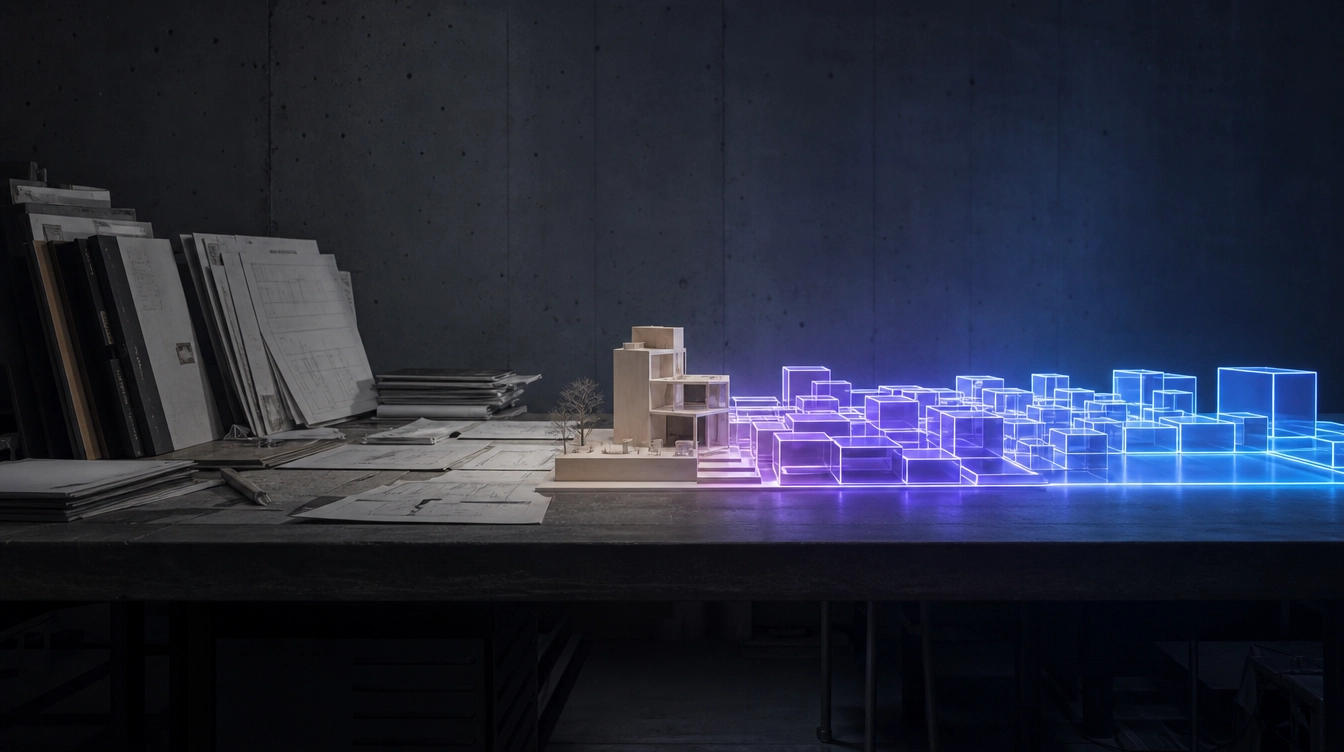
The bureau ships 5–10 building projects a year out of rooms like this — and until the workspace, every brief, kickoff, and set of minutes was carried by hand from one project to the next.
Goals
- 1Free the marketer from manual project research.
- 2Keep every published case in one structure.
- 3Ship case visuals without booking a designer.
Challenges & How We Overpowered Them
From Raw Project Files to a Published Case
One workspace as the single input
The pipeline stands on the PM workspace from our previous project. Briefs, estimates, scope, timelines, tracker tickets, and call transcripts already live in one git repo.
There is no custom software here. The whole pipeline is plain Claude with skills loaded on top.
The marketer points the skill at a project folder. Research is over.
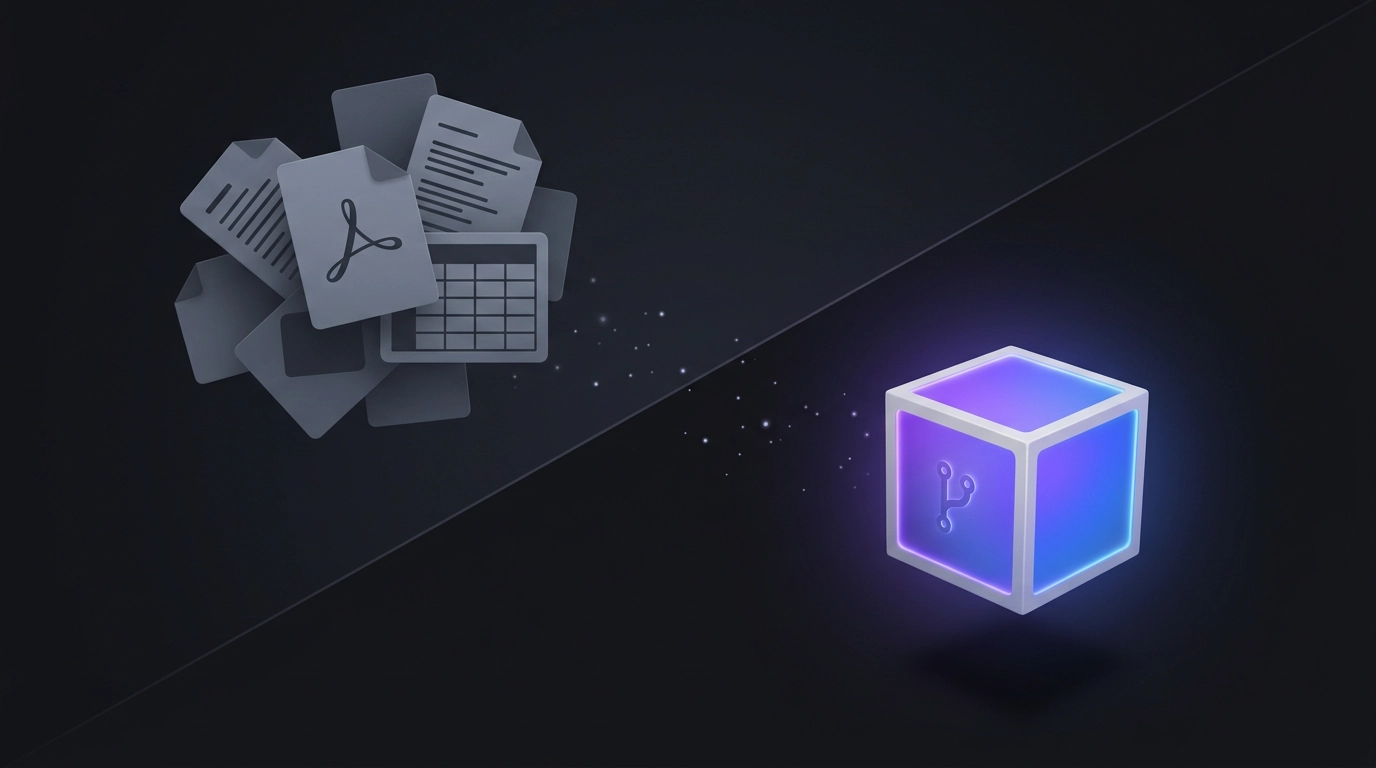
Every brief, estimate, ticket, and call transcript already lives in one repo — so "research" for a new case is no longer a stage, just pointing the skill at a folder.
A structured draft in two minutes
The writing skill reads scattered, unstructured files and produces a full draft: headline, KPIs, goals, approach, results.
Nobody writes a prompt each run. The rules live in the skill, so every draft comes out predictable — in the bureau's own structure and format.
Every KPI must carry a number. Any claim missing from the source files gets a visible flag.
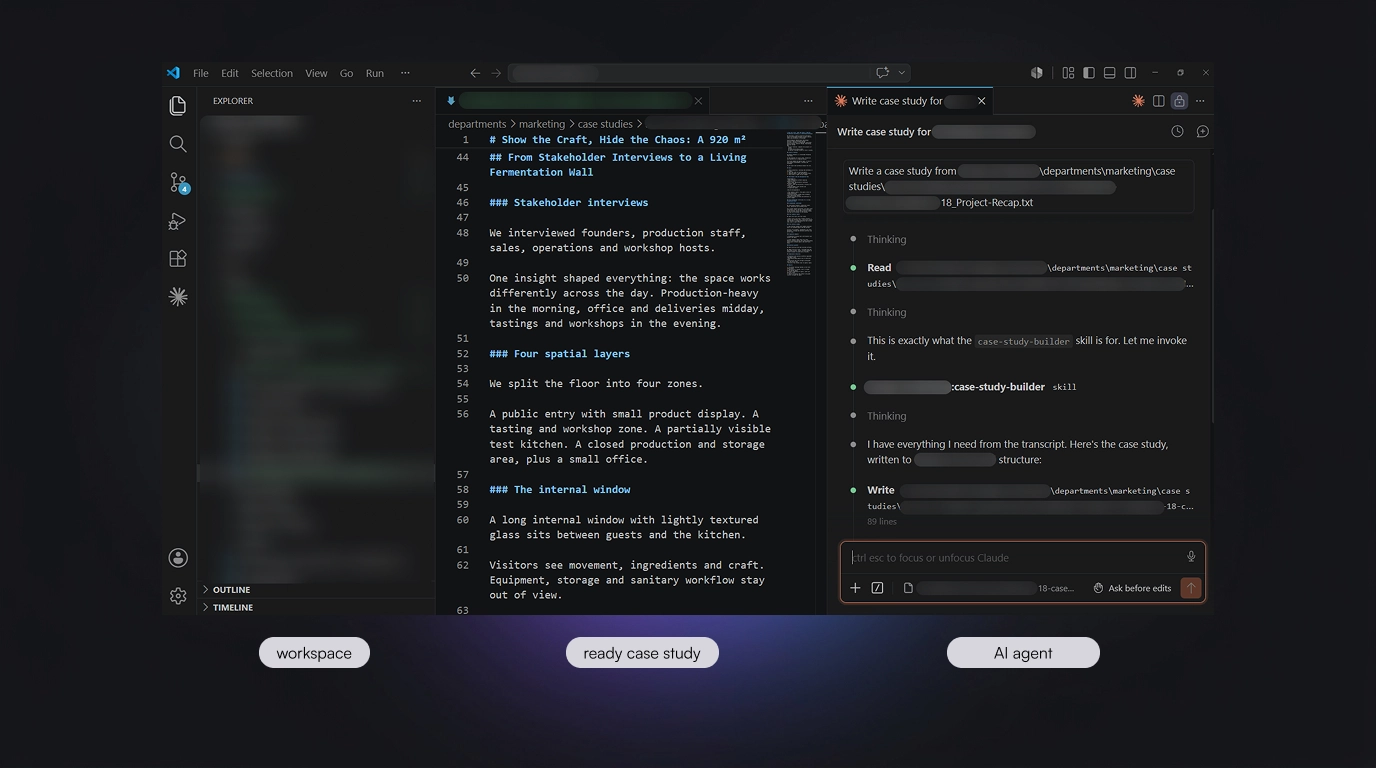
No research folder to assemble and no second app: the project repo sits open on the left, the draft takes shape in the middle, and the marketer just talks to the agent on the right — the whole case is written without leaving one window.
Validation replaces writing
The marketer checks facts against reality and confirms the structure.
Editing and unifying the format used to be a separate stage. Now the structure ships built into every draft.
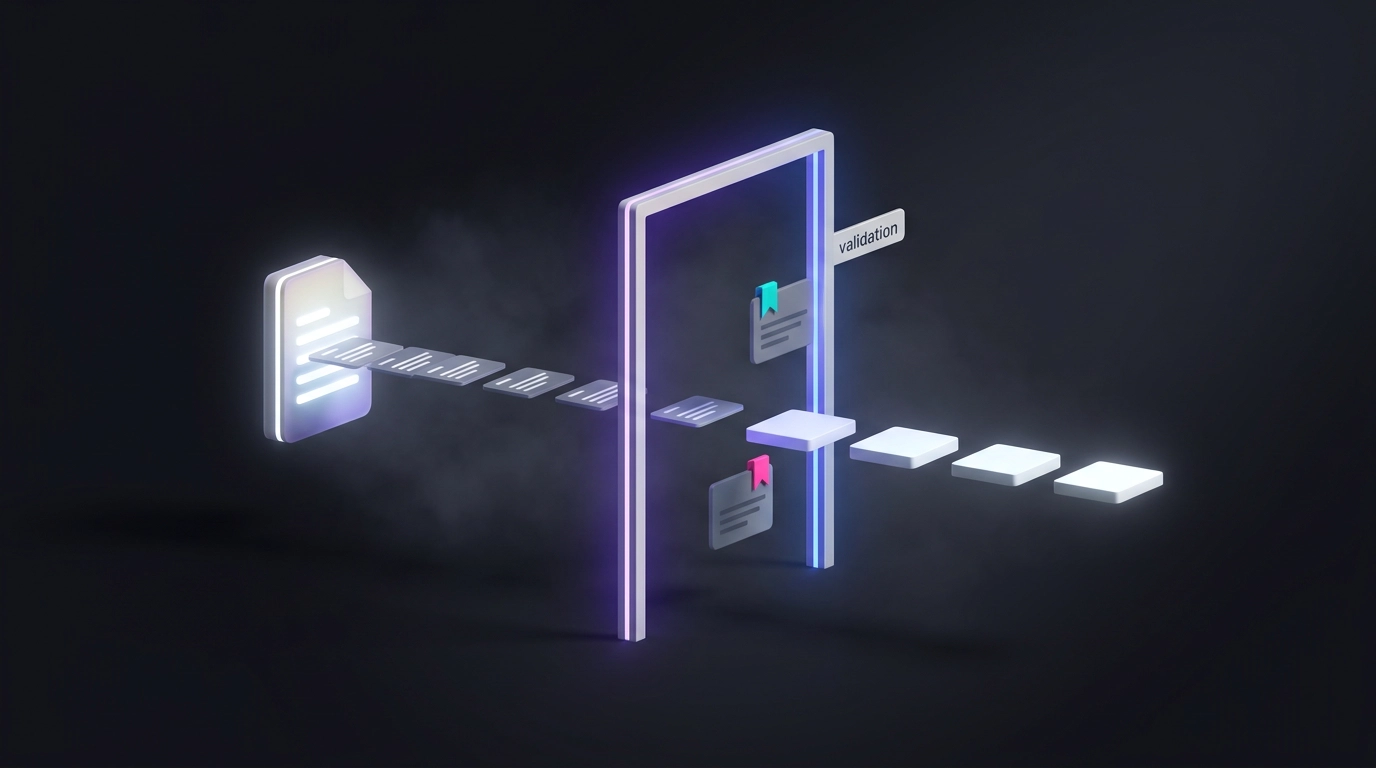
The human job moved from writing to checking: every claim passes through a gate, and anything the source files can't back up is flagged before it can reach a published case.
Image concepts from the finished case
The second skill reads the approved case and finds its most visual moments.
It walks the marketer through gated choices: style options with moodboard previews, an image map, then five concepts per image with layered AI prompts.
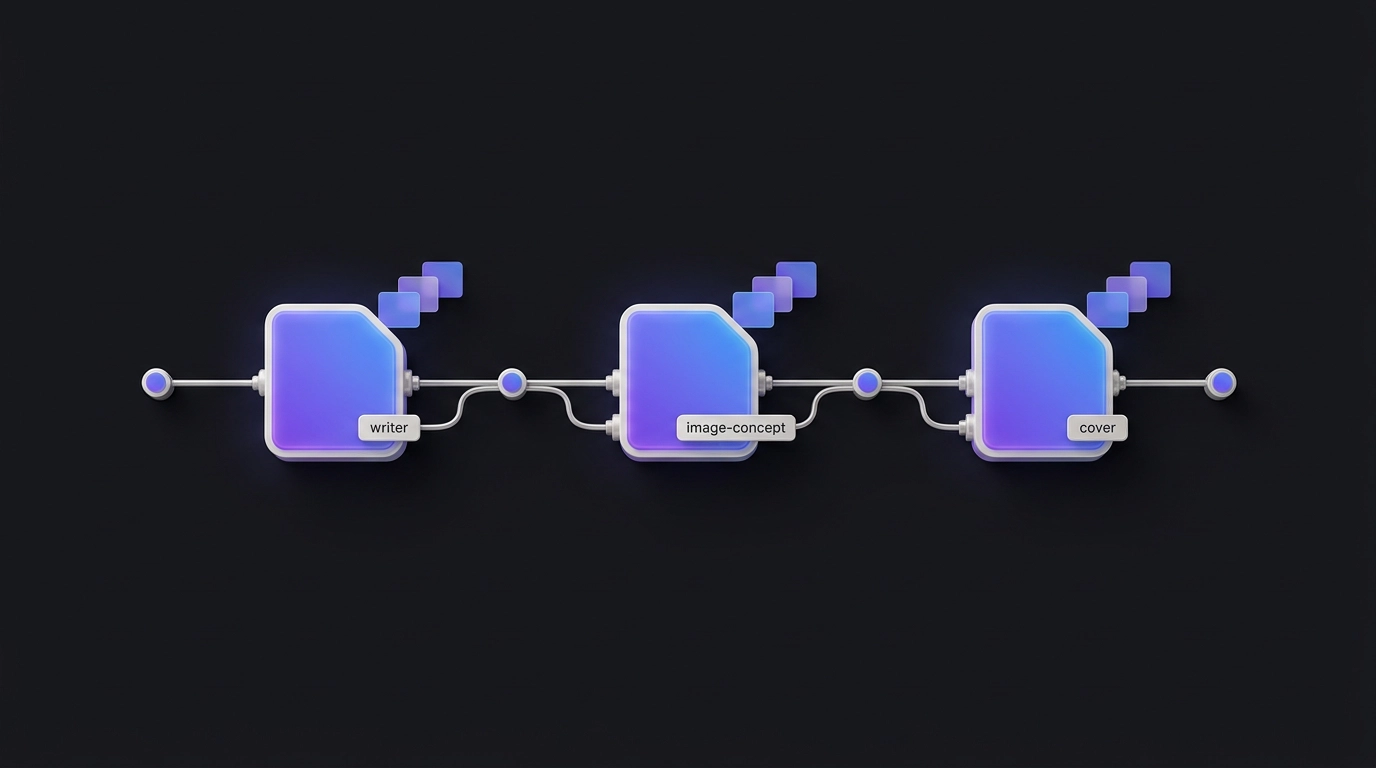
Three skills split the job — one writes the draft, one builds the image concepts, one designs the cover — and none of them hands off to a separate tool or person.
Images render in the same space
Generation happens right where the concepts appear. The marketer reads a concept, approves it, and watches the image render in the same chat — if works in the Claude desktop, and gets links — if works in the VS Code.
This works through Magnific, connected to Claude over MCP. Magnific is an AI image-generation platform. MCP is an open standard that lets Claude use outside services straight from the chat.
The handoff to a separate tool or person is gone.
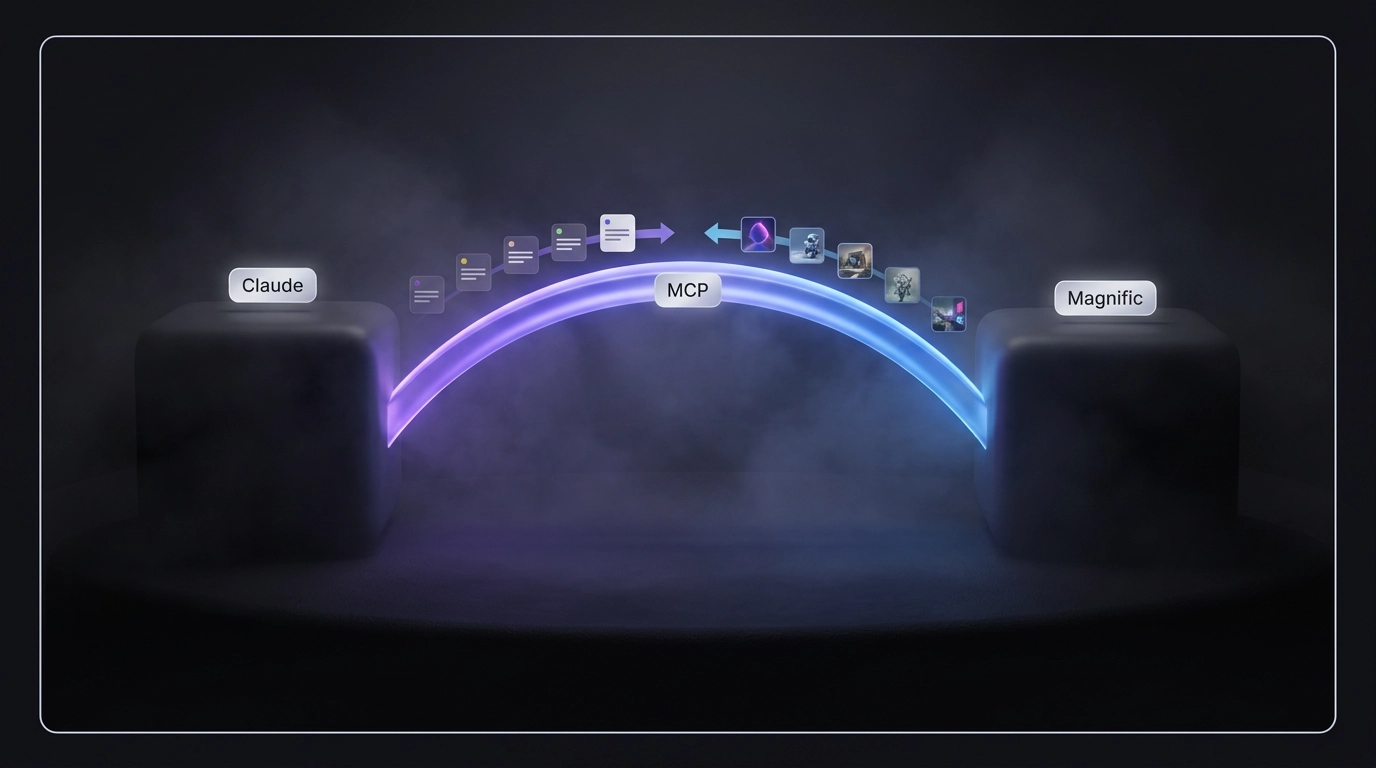
Concepts go out and finished images come back across the same MCP link — which is why the picture appears in the chat the marketer is already working in, not a second tool.
A cover that answers three questions
The third skill knows the case and every image already made, so the cover never repeats them.
Its formula: end user's real context plus product interface plus brand accent. Who, where, what — readable in three seconds.
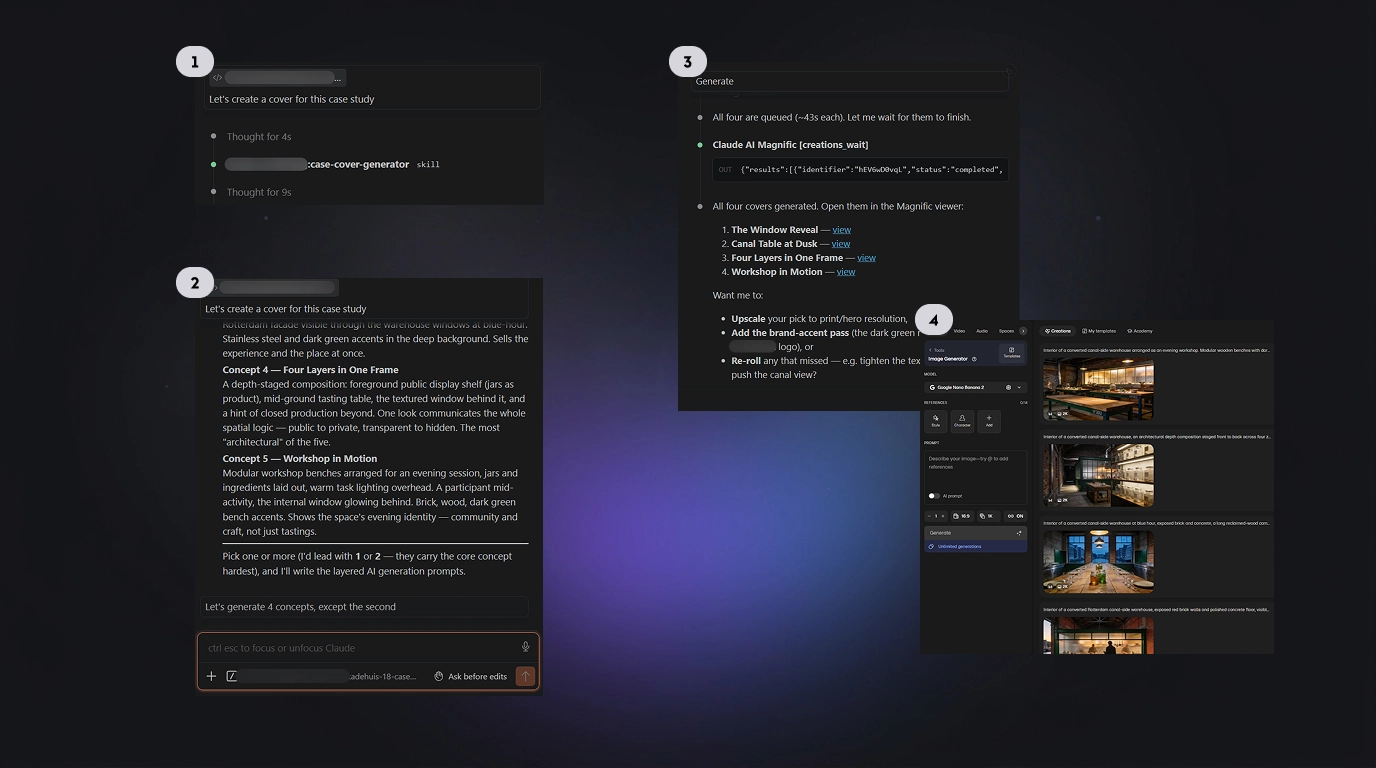
The skill proposes cover concepts, turns the chosen one into prompts, and the finished images come back in the same thread.
Compliance & Security
Results
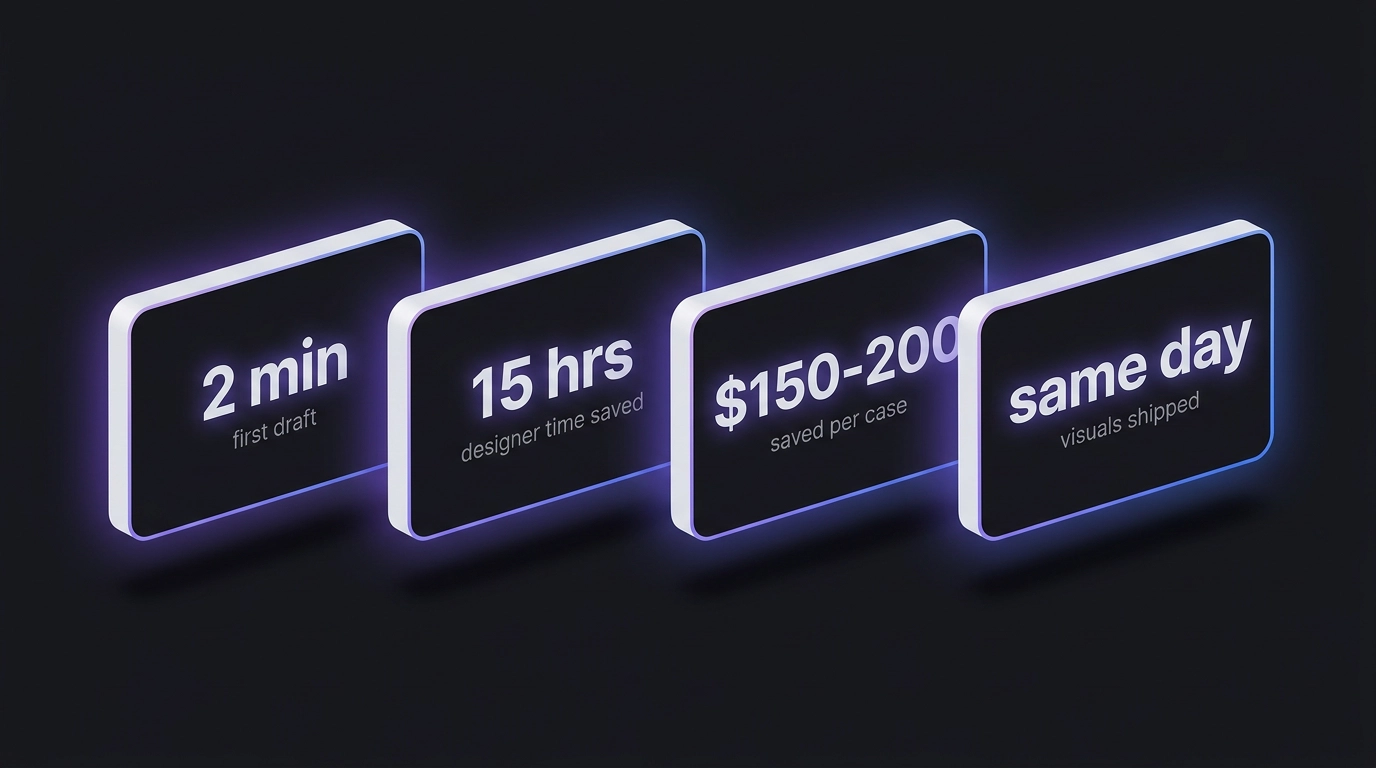
- 1First full draft in 2 minutes. The research stage is gone.
- 215 designer hours saved on every case.
- 3$150-200 saved on every case (those 15 designer hours).
- 4Illustrations and cover ship from the same chat, the same day.
- 5Every published case now follows one structure automatically.